
Enhance your design-to-code process with VS Code's Figma Integration
VS Code's Figma integration allows you to explore and examine design files, cooperate with designers, track alterations, and accelerate execution - all within the confines of your text editor. Amplify developer efficiency by eliminating the need for context-switching and extra work involved in converting designs into code.
What capabilities does VS Code's Figma Integration offer?
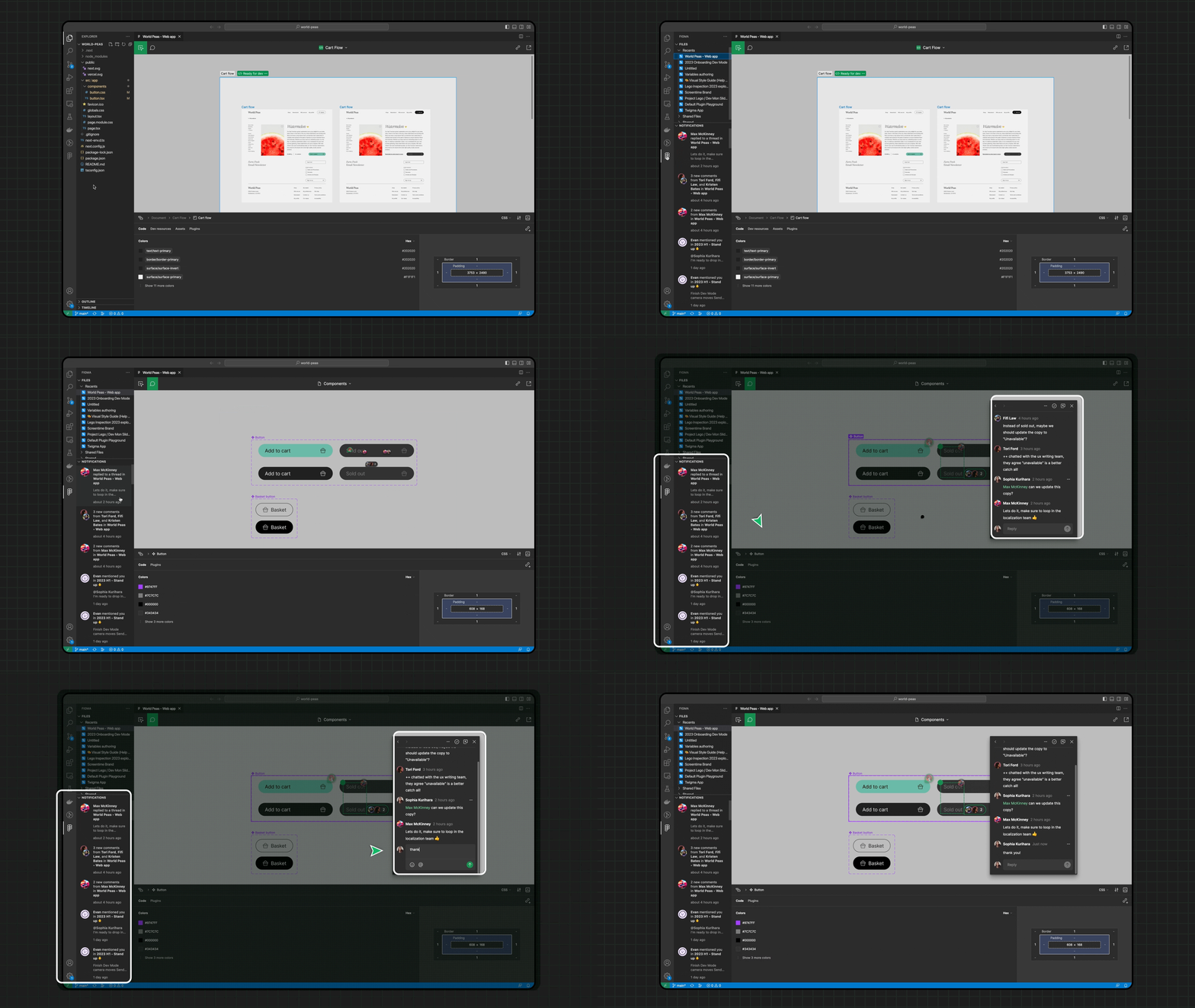
View and address comments and activities in real-time
You can say goodbye to overlooked Figma notifications. The Figma integration in VS Code allows you to access live design files in the sidebar and engage in real-time collaboration.
- Receive and react to new comments and activities within Figma files
- Engage in layout discussions with designers via cursor chat
Obtain code suggestions based on your designs
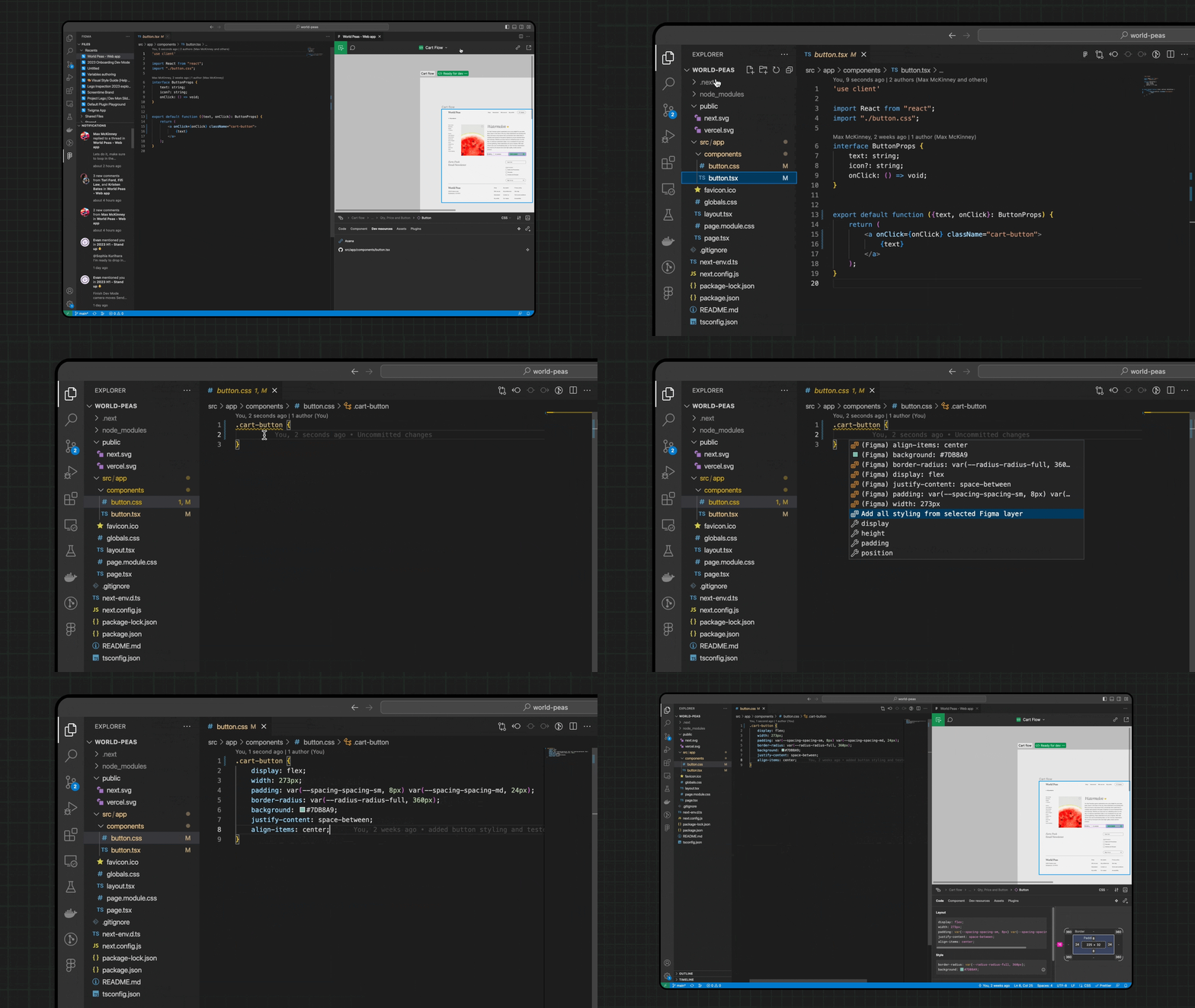
Stay engaged and boost productivity with auto-suggestions based on the designs you're currently working on.
- Select a layer in your design, and the properties will emerge as code suggestions as you type
- Download assets directly to your repository with just one click
Associate code files with design components
Empower your team to work faster by maintaining harmony between your design system and codebase. Navigate and document your codebase with ease in relation to design files, and no longer stress about locating existing component implementations.
- Add and review developer resource links for easy reference to documentation
For more information: