Notion-to-Site
Use Notion as the editor. Keep the website in your repository.
Sync content to Markdown, MDX, or JSON. Build with Next.js, Astro, SvelteKit, or any stack that reads files.
Notion as a CMS, without hosting your site on Notion
Write in Notion.
Sync to local Markdown, MDX, or JSON.
Local files.
Your site.
Your workflow.
Notion is a good editor.
It should not own the website.
notion-to-site keeps the writing workflow in Notion.
It keeps the site in code.
One sync engine, many site shapes.
The CLI turns a Notion database into Markdown, MDX, or JSON with typed metadata.
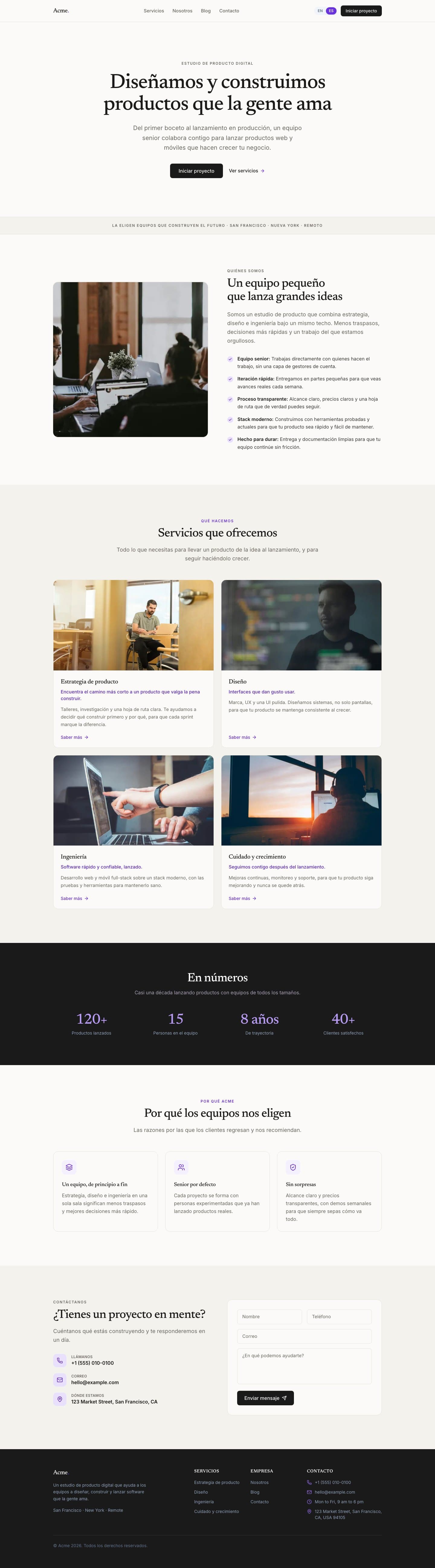
A full bilingual site.
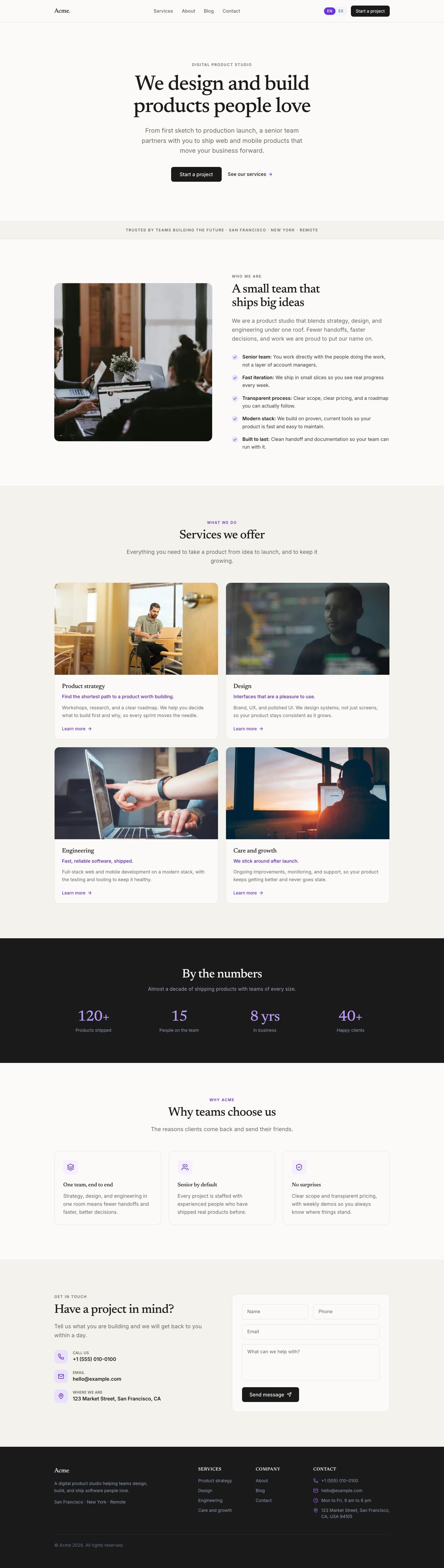
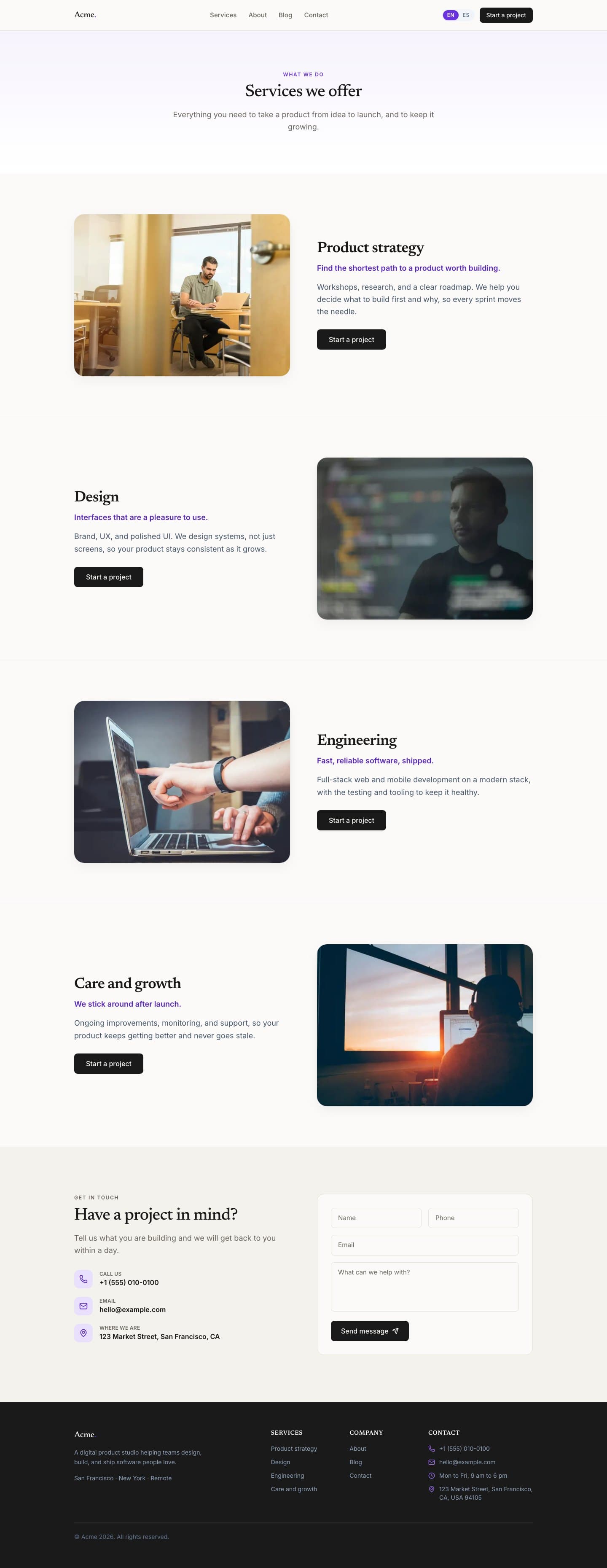
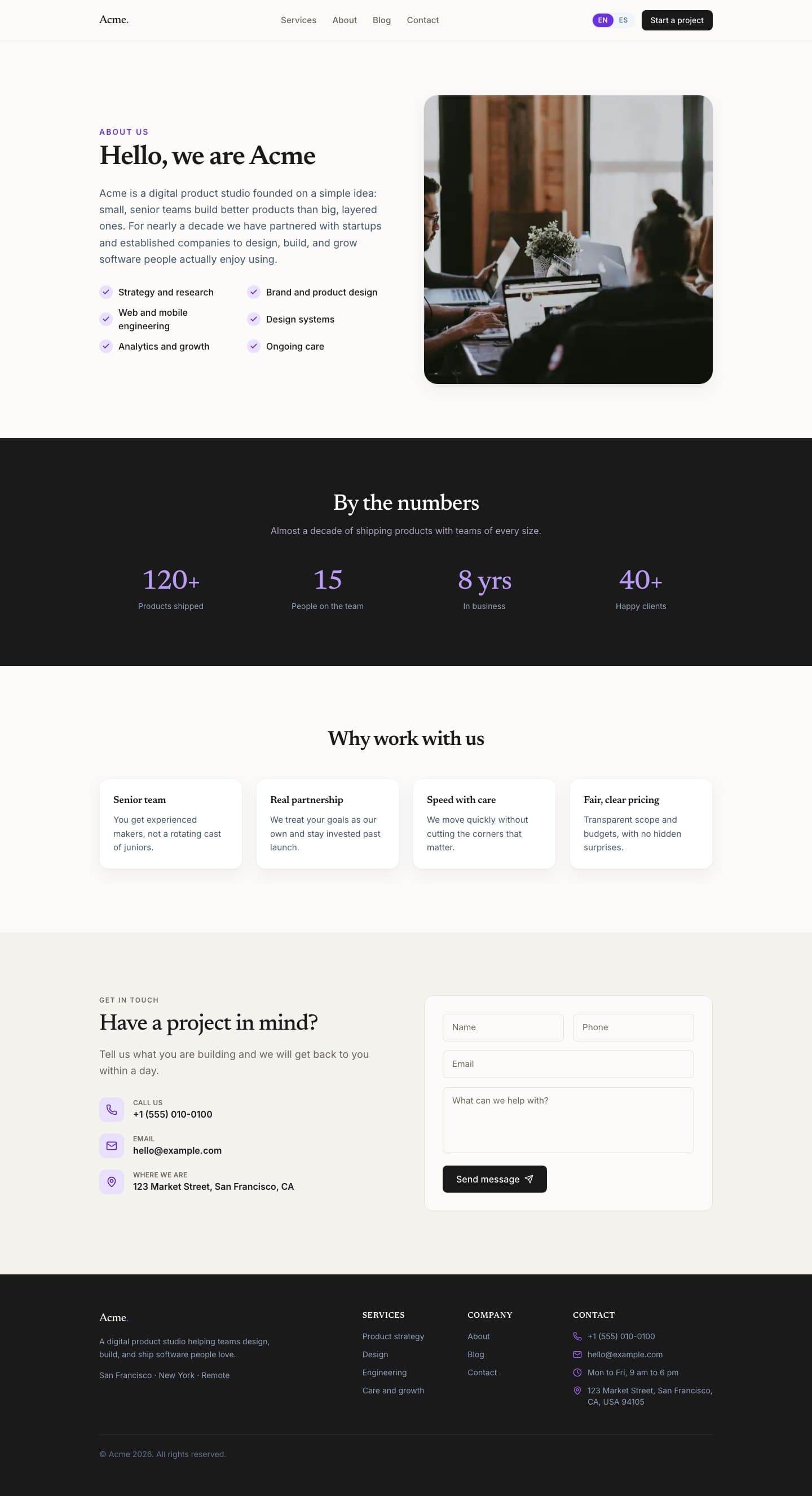
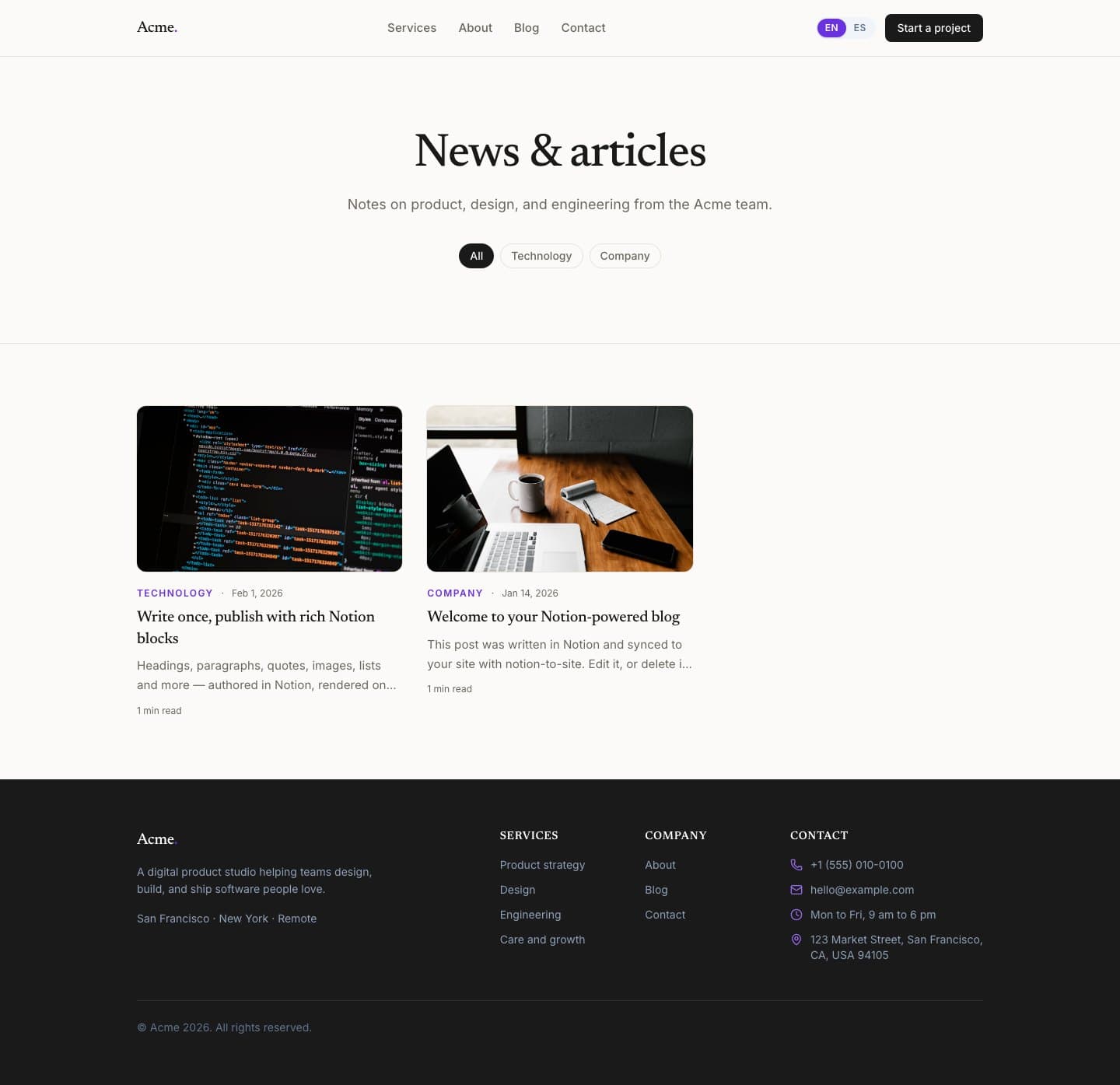
Home, services, about, blog, contact, SEO, and a contact form ship together.
A real site consumes the package from npm.
Nearscale is the working reference path. Notion writes. The repository ships.
The problem
Most Notion website tools make the builder the center of the system.
The writer gets a familiar editor. The site owner gives up control over code, design, hosting, and deployment.
What shipped
Small pieces. Clear jobs. A reusable path.
Open-source npm package and CLI.
Init, sync, templates, types, validation, status, watch, and migration checks.
Sync at build time. Read local content at runtime.
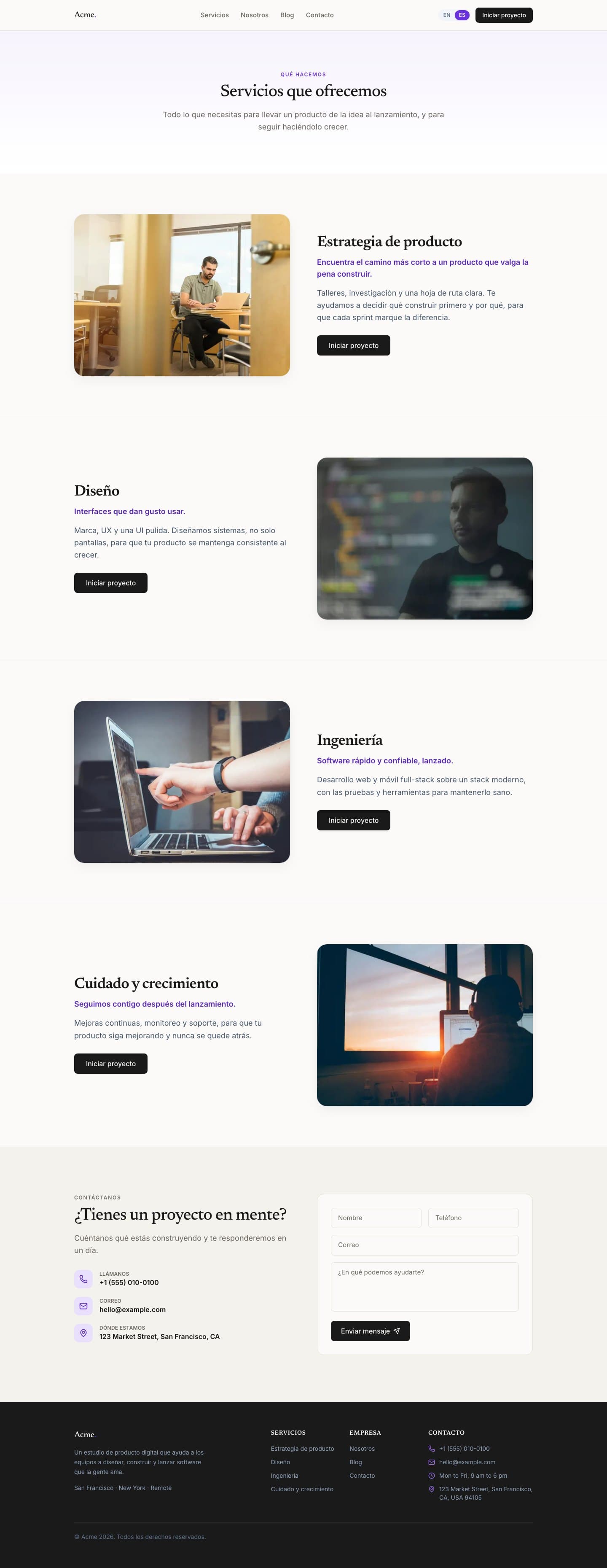
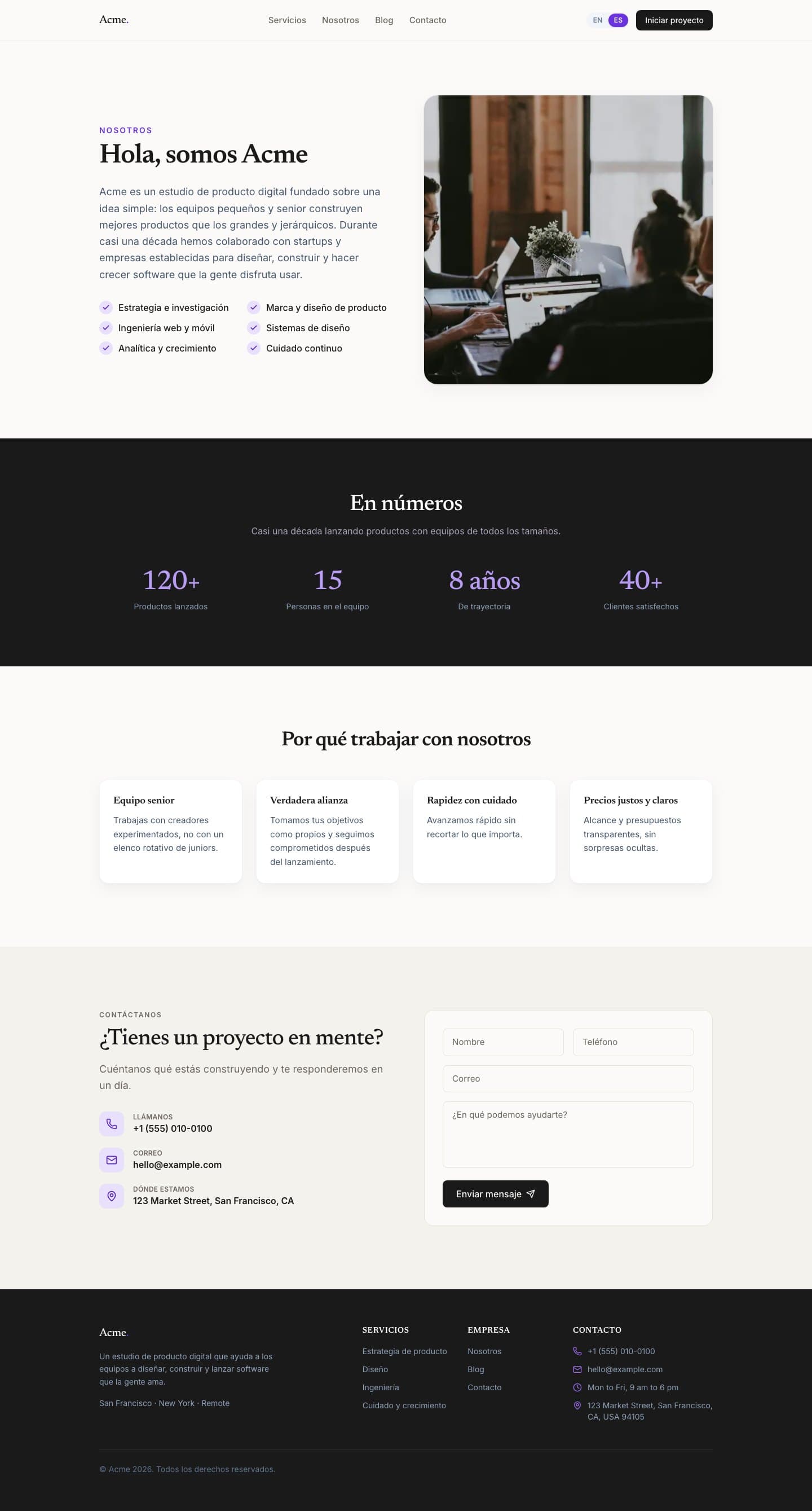
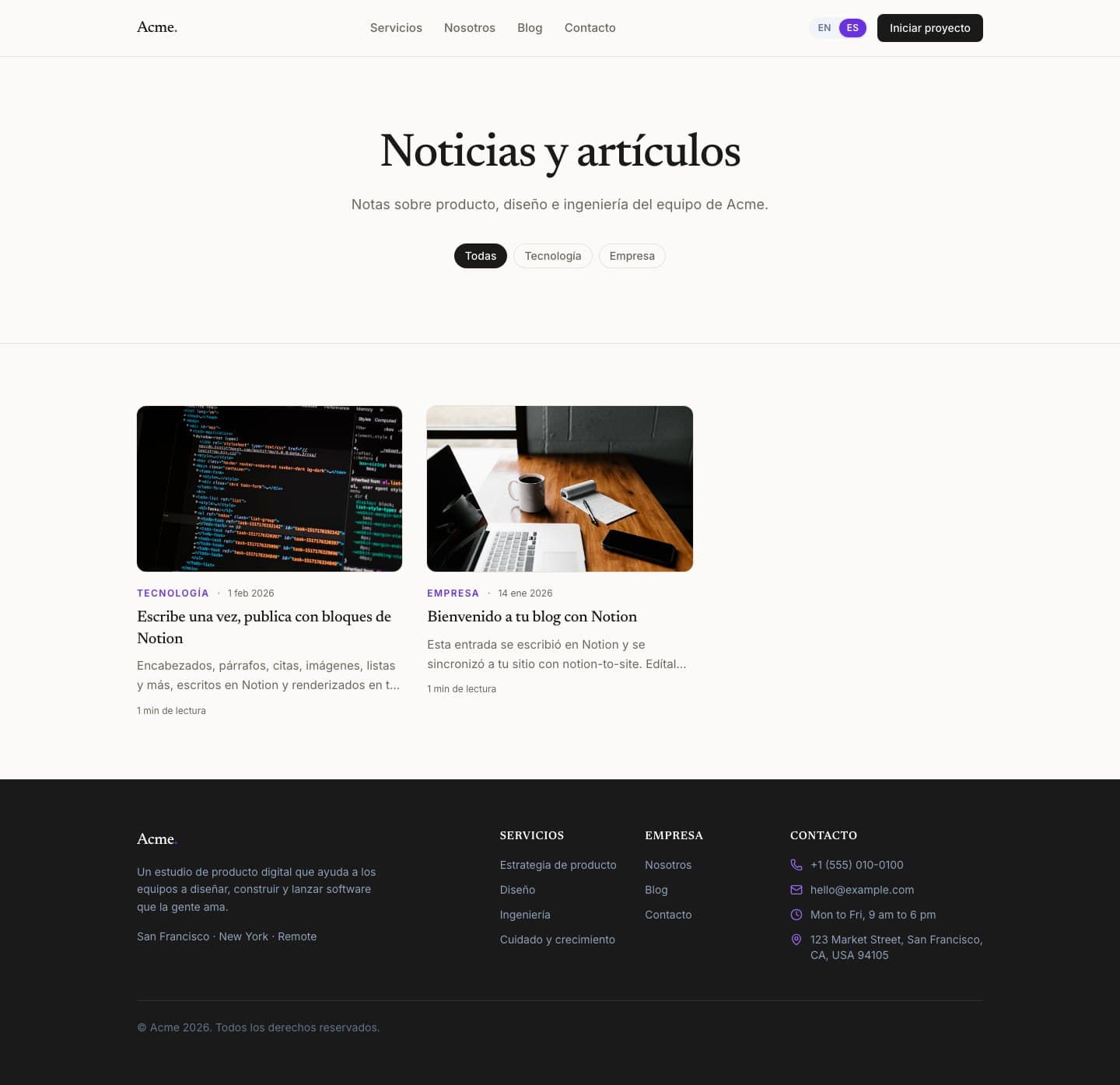
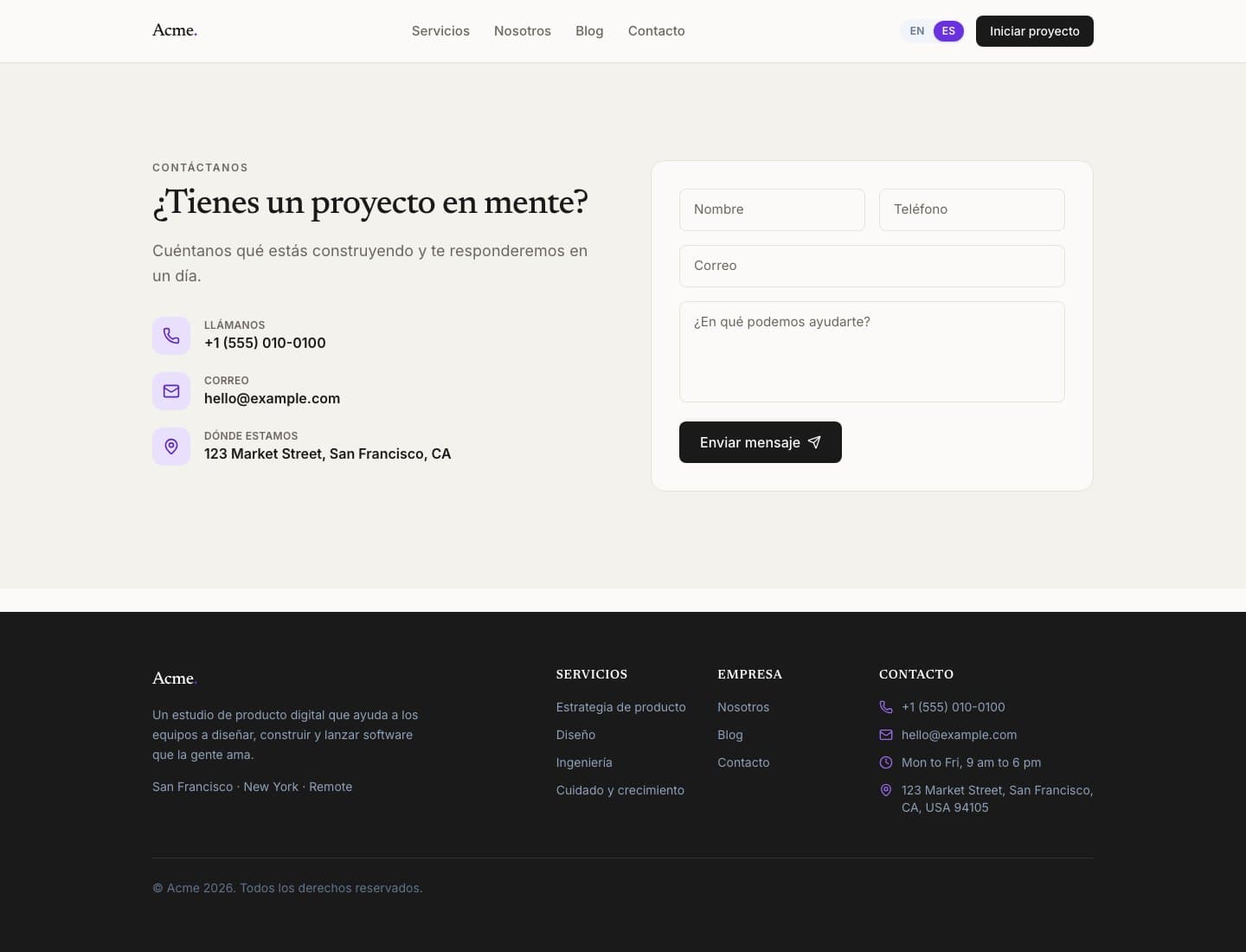
Bilingual Next.js 16 template with SEO, blog, contact form, and Vercel path.
Nearscale consumes the package from npm.
144 tests across sync, schemas, images, templates, adapters, and rendering.
How it works
The site does not need to call Notion at runtime.
Design system
The starter is not a blank Tailwind scaffold.
It has tokens, fonts, logo, dictionaries, and site config.
Proof
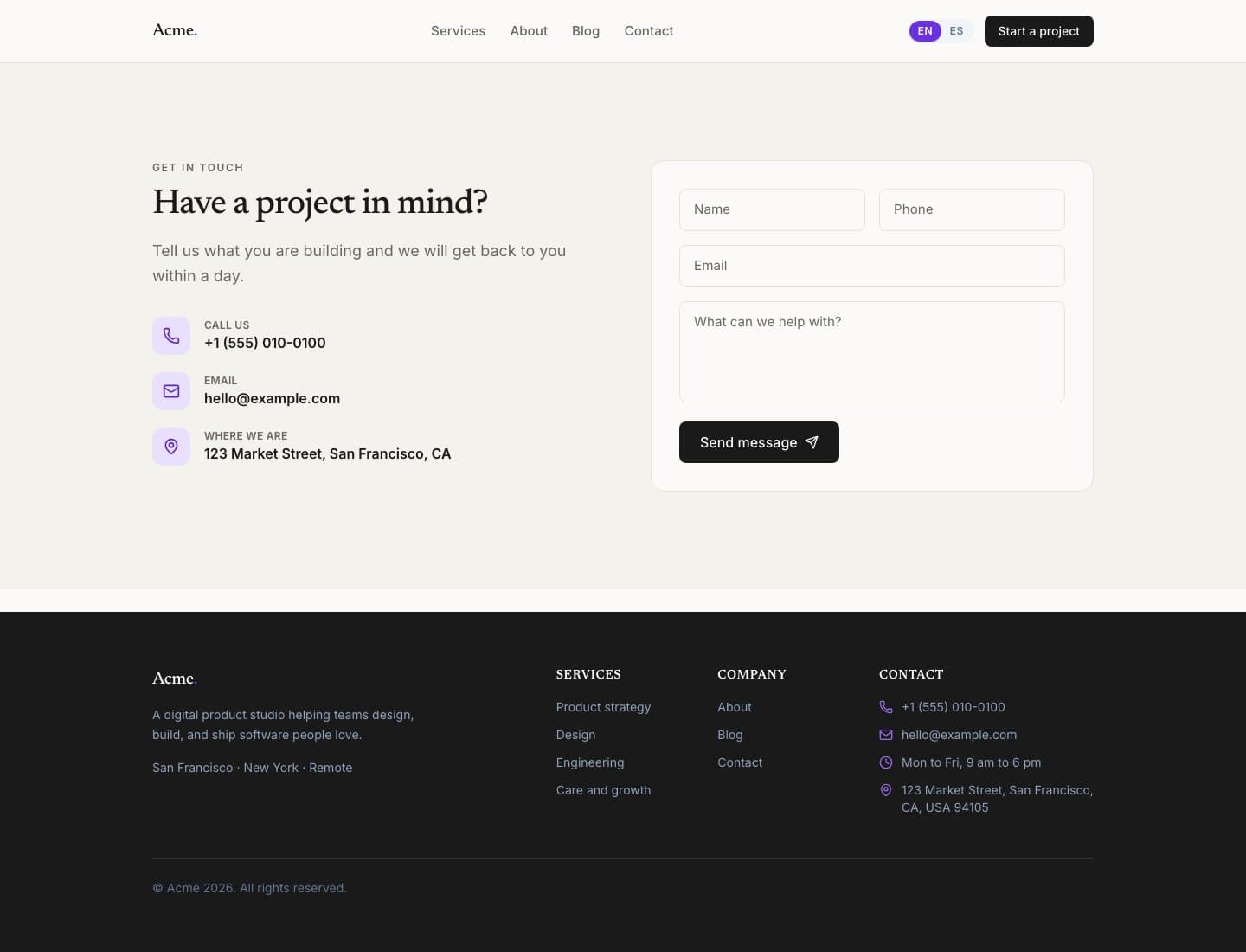
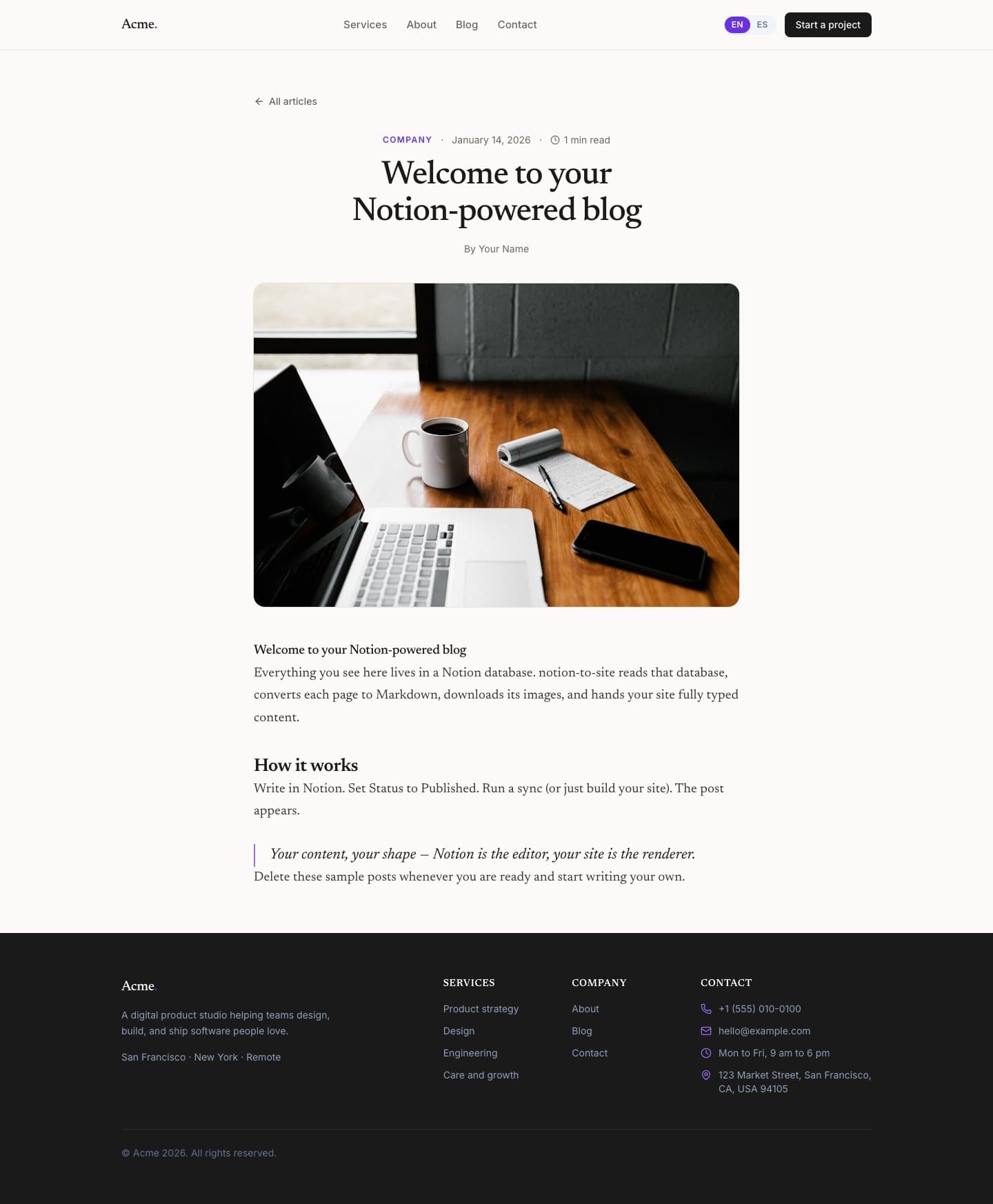
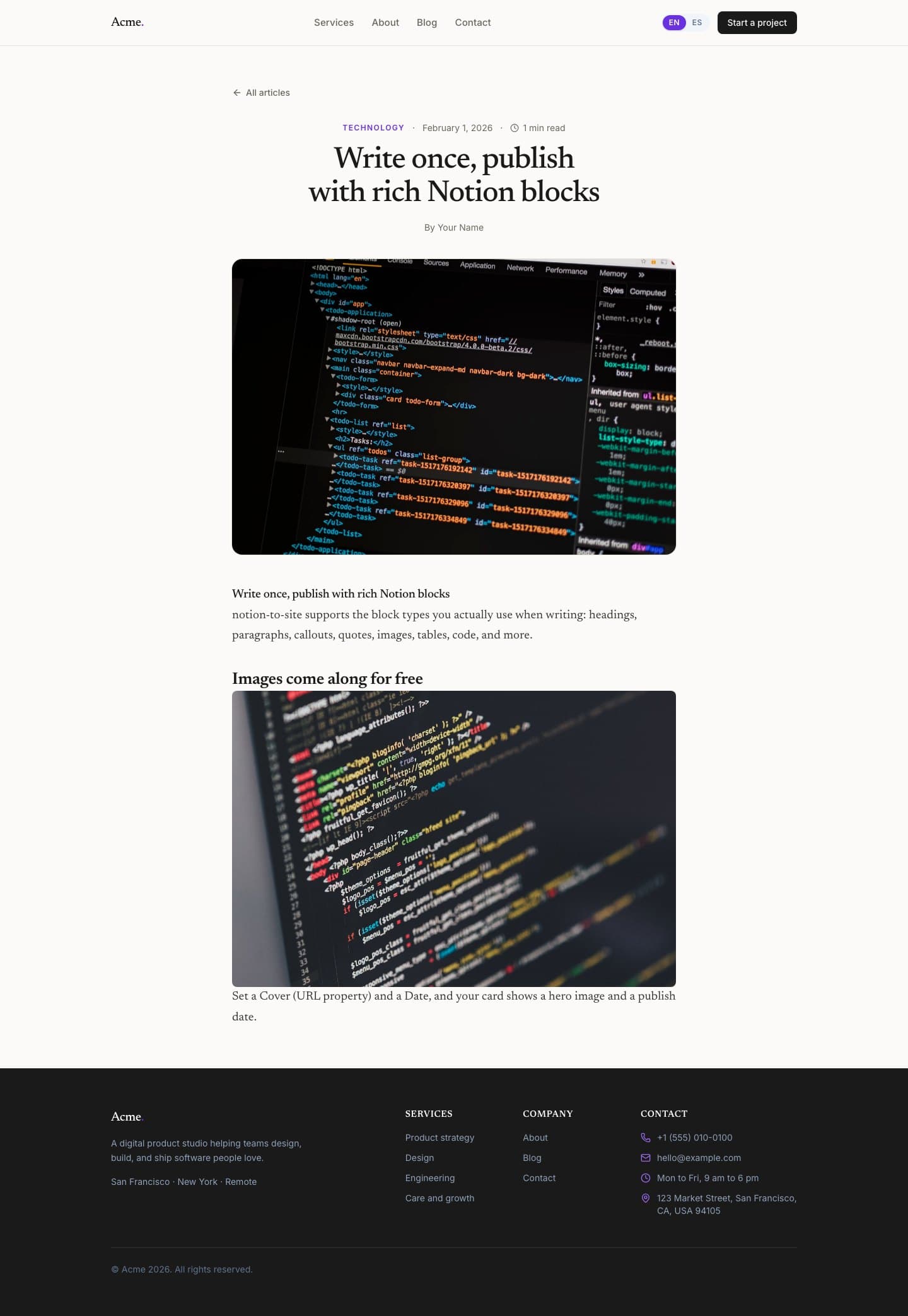
Captured from the built starter running locally in production mode.
Artifacts
Repos, package, starter, and reference site.